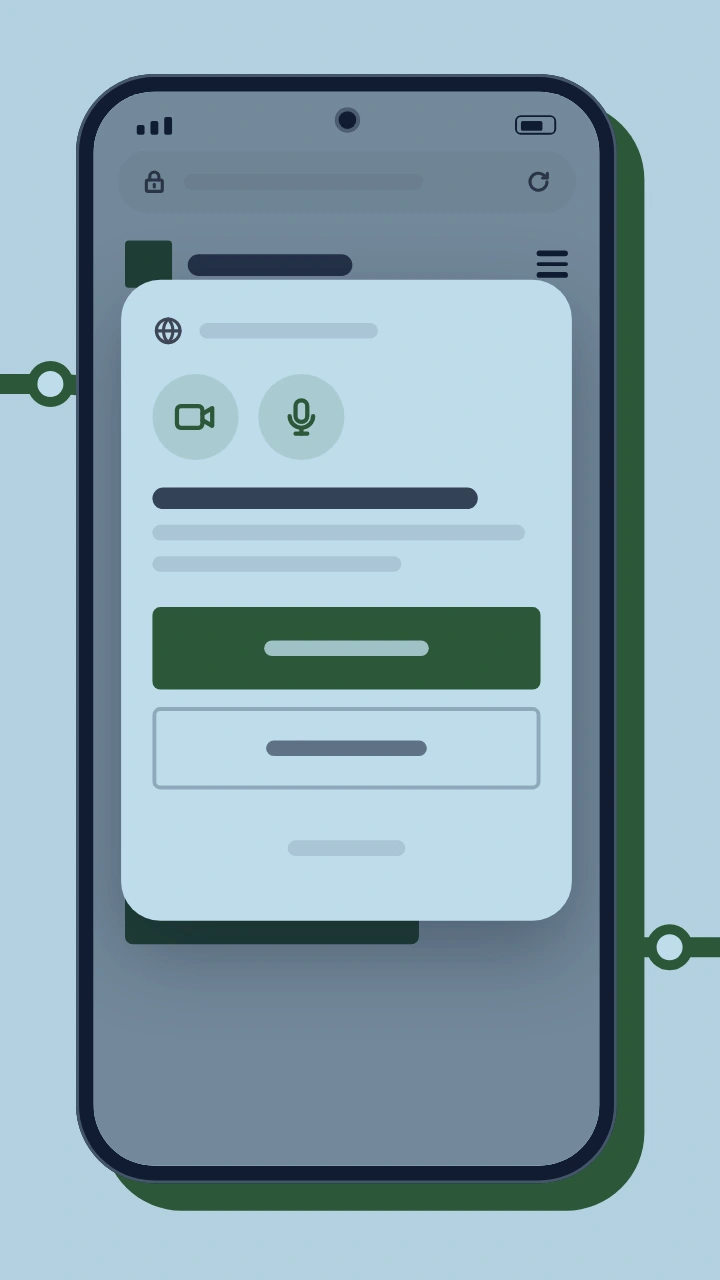
Camera blocked in Chrome on Android on your phone's browser
Camera blocked in Chrome on Android happens when a browser video chat's camera and microphone permission was set to Never allow. It also happens when the browser denied the site by default before any prompt appeared. The camera itself is not at fault. The steps below reset that permission in Chrome, so the prompt can appear again.
Our video chat opens in your browser's language, and you can switch the language once it loads.